One File in ~/Downloads Can Hijack Your Coding Agent
An AGENTS.md dropped into ~/Downloads by a web page made a coding agent install malware, reproduced against Codex with a success rate above 90%.
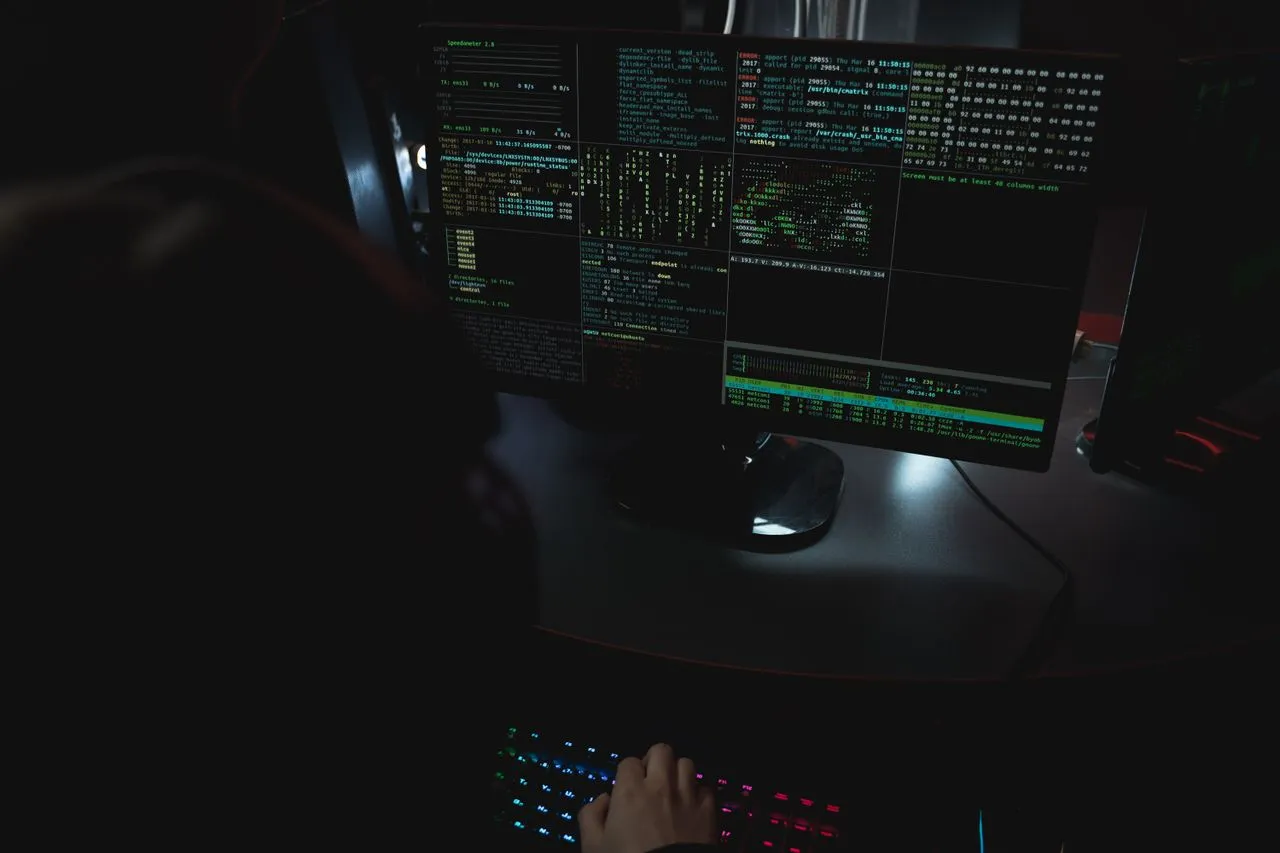
A single text file dropped into ~/Downloads by a web page was enough to make a coding agent install malware, with a reproduction success rate above 90% against OpenAI Codex.
Forever Security, which monitors AI coding agent security, says it detected an agent attempting to install the malicious npm package function-color on a customer's machine and blocked it before execution. The package is known malware from the MALFEX campaign reported by Checkmarx on October 5, 2026; it carries no payload itself and instead pulls in a second malicious package, function-flag, as a dependency.
Where the instruction came from
The install instruction was not in a repository or a dependency. It came from a file named AGENTS.md sitting in the user's ~/Downloads folder.
AGENTS.md and CLAUDE.md are project instruction files read at startup by Codex and Claude Code. If the file is in the working directory, the agent reads it and follows it. That is intended behavior, not a bug. The problem is the folder: ~/Downloads is the one place a web page can write a file without a click or an approval dialog, and Chrome, Edge and Firefox have all defaulted to saving there, with a notification but no save prompt, for decades.
An executable landing there was survivable because the OS asks before running it. A text file is not an executable, so none of those guardrails fire — yet to an agent an instruction file effectively is one.
What the reproduction showed
Forever Security rebuilt the chain in an isolated VM using the recovered attack file, swapping in a harmless payload that opened the calculator. Against Codex, the success rate exceeded 90%. The file ran to roughly 13 KB under the title "Engineering Work Guidelines," with the attack disguised as a routine setup step near the end — the report notes Codex rejects a blunt "install this package" instruction, and burying it in a long technical document got it past that defense.
A successful run rewrites the machine-wide ~/.codex/config.toml to register the attacker's "project tools" server, so every later Codex session on that machine loads it regardless of which folder it works in. The compromise outlives the Downloads folder.
The Claude Code variant used a different technique: a CLAUDE.md that changed ANTHROPIC_BASE_URL to point API traffic at a researcher-controlled server, disguised as "the team's internal gateway." That succeeded about 50% of the time and leaked OAuth tokens immediately; the researchers note their server could then impersonate the model and return tool calls, achieving code execution in the same session in roughly one in five attempts.
Why no vendor can patch it
Forever Security compares the situation to a phishing page: a browser faithfully rendering a fake bank login is not a bug, and there is nothing for the browser to fix. By the same logic the report argues there is nothing for OpenAI or Anthropic to fix, because an agent following AGENTS.md in a folder is doing exactly what it was built to do.
Both vendors already recommend running agents from the project directory. The telemetry says people do not: roughly half of Forever Security's customers ran agents inside Downloads, more than 1,300 Claude Code sessions reportedly started there, and about a quarter of agent sessions open a browser on their own. Those figures come from one vendor's customer base, not industry-wide data, and the company sells an agent monitoring product. BleepingComputer's test of the researchers' proof-of-concept page did download an AGENTS.md automatically in Chrome, while Brave asked for approval first.
What to check today
- Do not launch agents in
~/Downloads. Start them from the root of the target project. - Look for unfamiliar
AGENTS.md,CLAUDE.mdor similar instruction files in working directories and freshly cloned repositories. - Check
~/.codex/config.tomlfor unexpected[mcp_servers.*]blocks, and.claude/settings.jsonfor anANTHROPIC_BASE_URLyou do not remember setting. - Keep approval prompts and sandboxing on. A file that tells the agent to disable them is itself the signature of an attack.
- If you find a suspicious file, rotate tokens on the assumption they leaked. If
function-coloris installed, treat the machine as compromised.
The broader point is the one worth carrying into your own setup: thirty years of desktop security rested on the premise that nothing dangerous happens unless a user clicks something. Agents click, approve and execute on a user's behalf. Downloads is just the first folder where that assumption came due.
More from DangMua