A $7 ESP32 Gives an AI Agent Hands on a Real iPhone
An ESP32-S3 board plugs into an iPhone and acts as an AI agent as eyes and hands over AirPlay and USB HID. Here is the full setup, and the limits that bite.
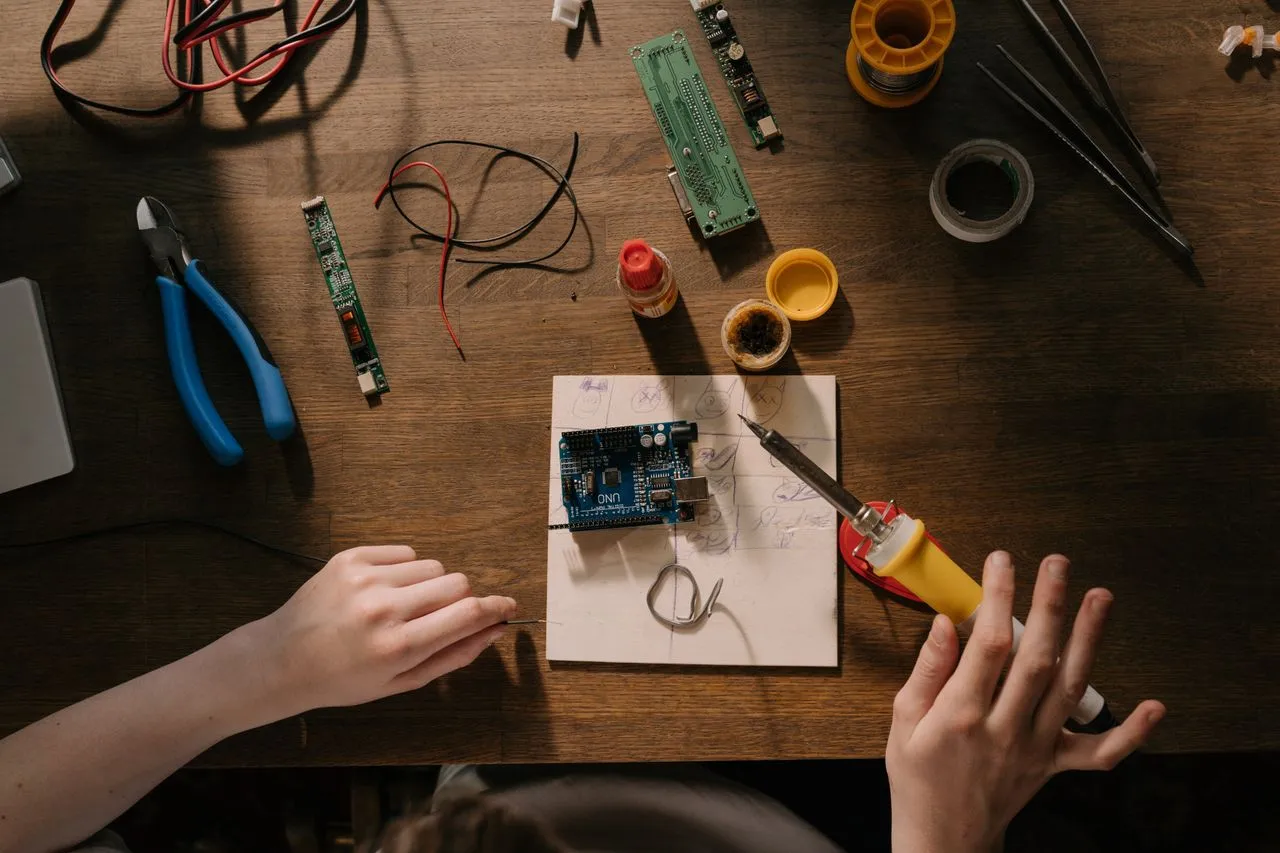
Phone automation has usually meant a cable, a developer account, or a jailbreak. An open-source project called ESP32 iPhone Agent takes another route: a board listed at about $7 plugs into the iPhone and becomes the agent's eyes and hands, while an app on the phone runs the vision model loop. At run time it is just the phone and the board.
How the loop closes
The board opens its own Wi-Fi hotspot and appears in the iPhone's Screen Mirroring list as ESP32 Agent. The phone mirrors its screen to the board over AirPlay, and the board forwards that stream to the app over Bluetooth LE. The app sends screenshots to any OpenAI-compatible vision model, which plans the next action. Because the board is also a standard USB mouse and keyboard, a click becomes a tap and a drag becomes a swipe once AssistiveTouch is on. Then it loops until done.
What it costs to get running
The hardware is an ESP32-S3 board with native USB and PSRAM. According to the project's README, the tested unit is a Seeed Studio XIAO ESP32S3 — the plain version with 8 MB PSRAM, not the Sense or Plus variants — listed at about $7. The phone needs iOS 18 or later and cellular data, and it powers the board. USB-C iPhones plug in directly; Lightning models need a Lightning to USB Camera Adapter.
You also need a vision model behind any OpenAI-compatible chat API that accepts images — a cloud endpoint or your own server, with the README naming vLLM, SGLang, llama.cpp and Ollama. And you need a Mac with Xcode exactly once, to flash the board and build the app; it is not needed at run time.
Flashing uses arduino-cli with the ESP32 core 3.3.x and NimBLE-Arduino 2.5.x, then hardware/flash.sh. The README is specific that you always build with that script, because it applies the BLE buffer sizes the firmware needs.
One cost worth knowing before you start: a free Apple ID can sign the app, but you have to re-sign it every 7 days. The one-tap hotspot join needs the Hotspot Configuration capability, which requires a paid account; without it, the app shows the hotspot password so you can join by hand.
Setup, then a goal
Four setup screens check themselves in order: pair the board over Bluetooth, join its Wi-Fi and start Screen Mirroring, turn on AssistiveTouch so the app can calibrate the pointer, then enter your model endpoint and key — stored in the iOS Keychain. You can set separate planner and actor models.
After that you type a goal such as "Open Settings and go to Wi-Fi" and press Start, with a stop control in the Dynamic Island. Every run is kept on the phone and can be replayed step by step with the taps and swipes drawn on top, or exported as a trace with screenshots, actions and annotations.
The limits are the real story
Bluetooth LE carries roughly 300 to 500 kbps, so the mirror runs at 480x1040 and at most 5 fps, and each step takes a few seconds — mostly model time. That alone rules out anything latency-sensitive.
iOS refuses to mirror some screens at all, including passcode entry, Apple Pay and DRM video, so the agent cannot see them. Mirroring stops when the phone locks. While a run is active the phone's Wi-Fi is occupied by the board's hotspot, so the model is reached over cellular data. Keyboard input is ASCII only, and landscape apps are not supported yet.
Before you try it
The README carries two warnings worth repeating. Follow only the install steps in the README, and never run "quick install" one-liners posted in issues or comments — they are not from the maintainers. And only automate devices and accounts you own or are allowed to use, because the agent acts with real hands on the phone.
The project is ESP32 iPhone Agent by Henry Yuan, MIT licensed, with the AirPlay component under GPL-3.0. Treat it as a weekend build for repeatable, non-sensitive taps, and keep the stop button within reach. Saved tasks can be started from Siri, Shortcuts, widgets or Control Center.
More from DangMua