Meta Muse Lands on Apple Watch and Wear OS: What You Get
Meta brought its Muse AI agent to Apple Watch and Wear OS with voice, text and dictation. What the wrist app does, what the plans cost, and where it works.
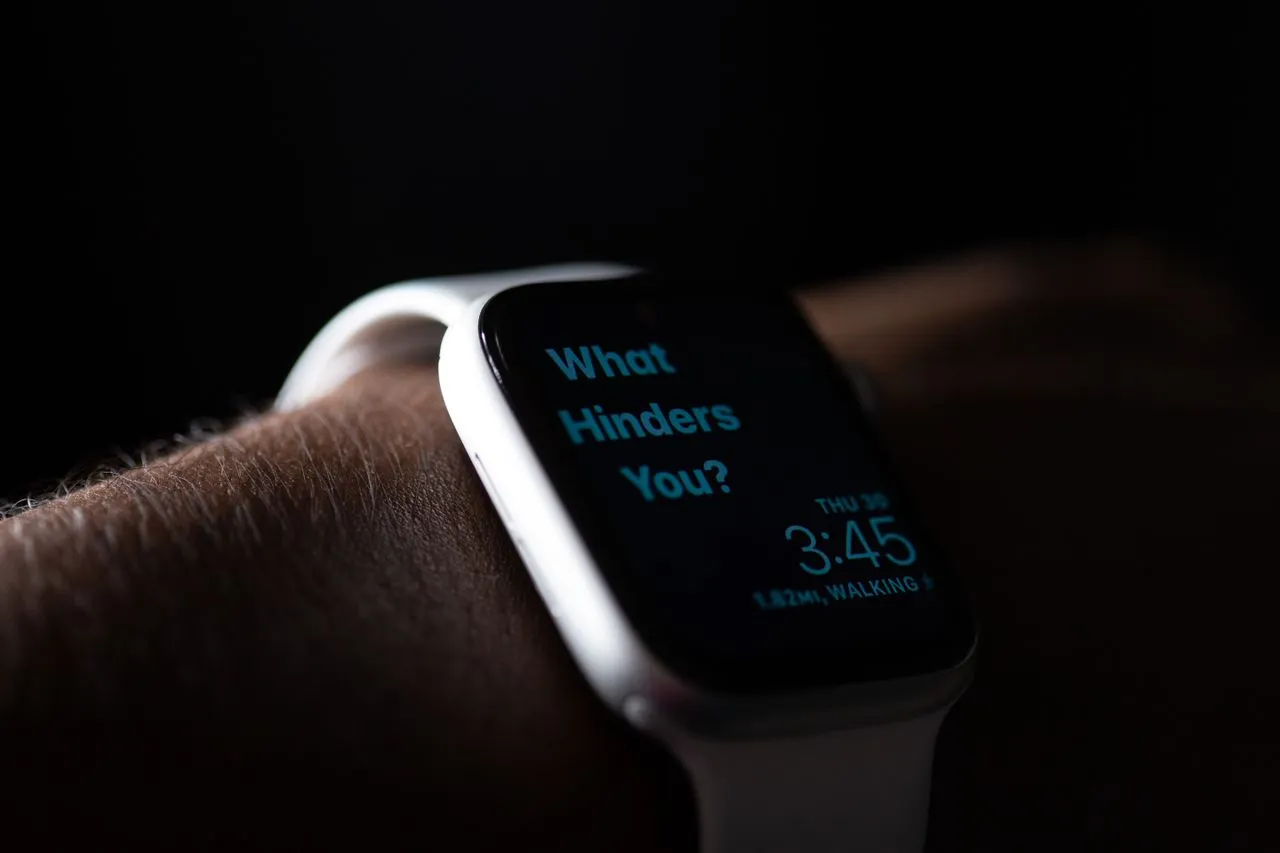
Meta put its Muse AI agent on the Apple Watch and Android's Wear OS, the company announced Monday. You can now reach it by voice call, text message, or dictation straight from the watch.
It is the second Apple surface Muse has picked up in about a month. TechCrunch notes the smartwatch launch "comes just a month after Meta introduced a dedicated iPad app for Muse," which first landed on the App Store in September.
What the watch actually gets you
Three input paths — voice calls, text messages, dictation — and the same agent behind them. Per TechCrunch, Muse lets users connect accounts to manage email, meetings and bills, and handles tasks like booking reservations, ordering groceries, setting goals and making purchases.
The wrist is the right surface for the short end of that list. Confirming a reservation or adding a goal is a watch-sized interaction; reviewing what an agent did to your inbox is not. Meta's announcement says nothing about how approvals work on the watch, so treat that as an open question before you let it touch a connected account.
What it costs
Meta rations Muse by capacity rather than by feature. A dev.to breakdown of the plans — which cites figures listed on MuseInfo.ai rather than Meta's own page — puts them at Free ($0, light or occasional use), Power ($20/month, higher usage) and Maximum ($100/month, heavy usage). That write-up warns to check Meta's official subscription page before subscribing, since pricing and availability change.
Its decision rule is the useful part: measure how much work you actually push through Muse in a week. Hit the free limit once a month and Free is still the plan; hit it weekly and Power is the one doing the work. The same guide argues most people should skip Maximum at first, on the grounds that you are buying headroom you have not yet proven you need.
Check availability before you check price
The dev.to guide is blunt that a plan does not buy you access to a region or platform where Muse has not launched. It describes Muse as having launched in the United States and later expanded into Canada, with availability varying by account, plan, platform and region, and some features still in beta. Platforms listed: web, iPhone, Android, Mac, and supported messaging surfaces — the smartwatch launch now extends that list.
The context: Meta is shipping fast
The watch is one of three Muse changes in roughly a week, per TechCrunch. Meta launched Spaces, dedicated conversations around specific topics that Meta describes as "custom experiences" — mini apps built on the fly that appear in the Muse sidebar. It also rolled out video chat with a Muse avatar for US users, which Meta says uses "subtle expressions and gestures" reflecting the tone of the conversation. TechCrunch adds a clarification worth keeping: "Muse doesn't actually see users, but can hear them and respond in real time."
The adoption number behind that pace: TechCrunch reports Muse became one of just 12 mobile apps to surpass 10 million U.S. downloads within their first 40 days in the App Store, with Threads the most recent app before it to hit that mark, in July 2023.
Worth it?
If you already run Muse with connected accounts, the watch app is free reach and costs you nothing to try. If you don't, a smartwatch shortcut is not the reason to start — the setup cost is in choosing connectors and reviewing permissions, and that work is identical on every plan and every device.
Watch for whether Meta ships a watch-specific approval step for purchases and payments. Ordering groceries from a wrist tap is exactly where a scoped confirmation matters most.
More from DangMua